Home › Blog › Streaming and Internet
How to Connect DStv to WiFi in Constantia: 3 Easy Methods
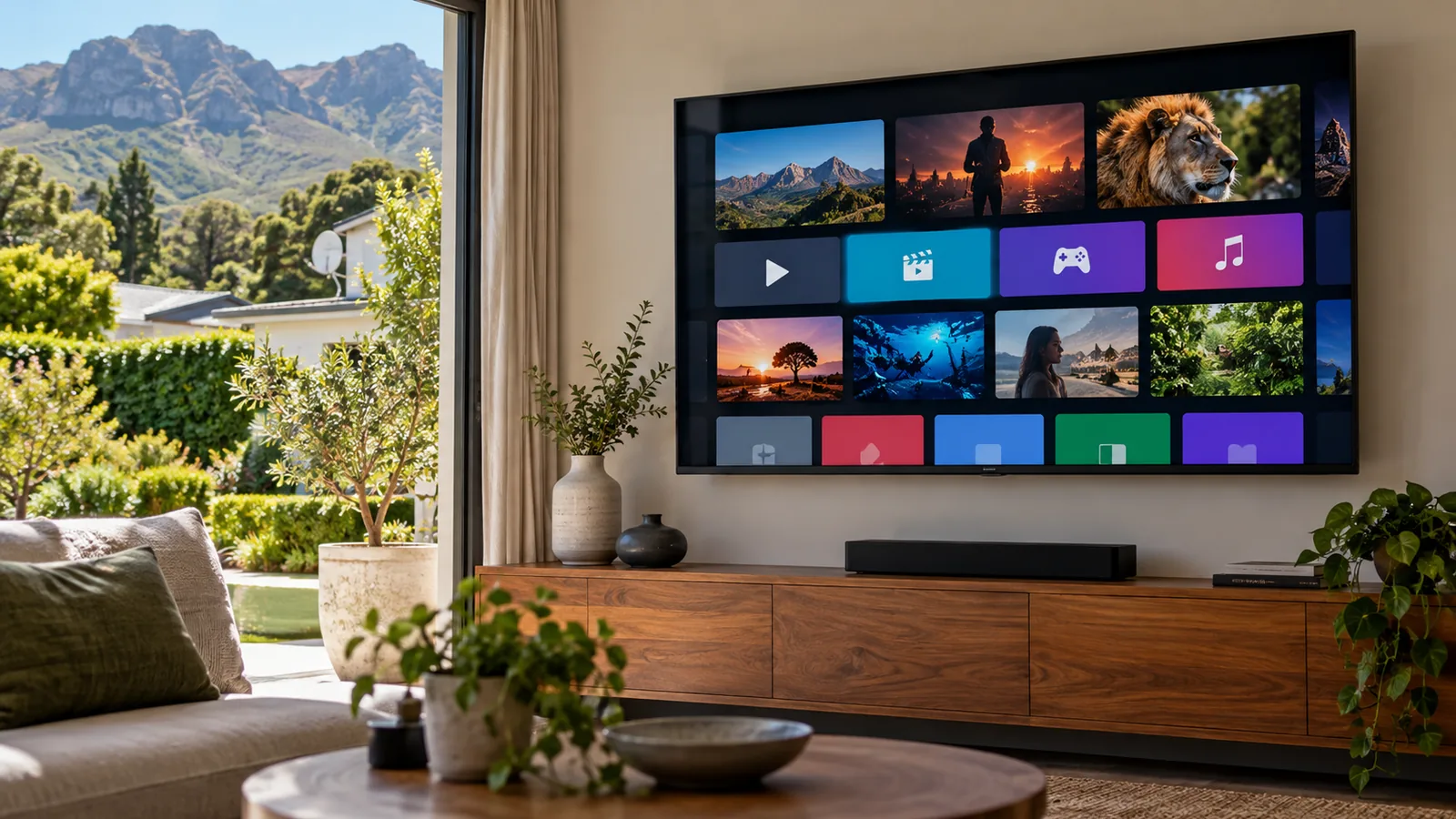
Your router sits in the study, the decoder lives in a lounge at the other end of the house, and somewhere in between the WiFi gives up. That is the usual story when Constantia families ask us how to connect DStv to WiFi. Thick walls, long passages and a garden cottage all eat signal, so the method you choose matters more than the menu you click.
Quick answer
Here is how to connect DStv to WiFi: an Explora Ultra joins your network through its built-in WiFi in the settings menu; an older Explora needs a DStv WiFi Connector or an ethernet cable to the router. Once online you get Catch Up, and the MyDStv app works with the box. If the signal is weak at the TV, add a mesh unit or a cable.
How to connect DStv to WiFi: 3 ways that work in Constantia
There are only three real options. When people ask how to connect DStv to WiFi, the right answer depends on the distance between the router and the TV.
| Method | Best for | What you need | Reliability |
|---|---|---|---|
| Built-in WiFi | Explora Ultra near a strong signal | Your WiFi name and password | Good if signal is strong in that room |
| DStv WiFi Connector | Older Explora models | The connector, a free USB port, your router | Good in the same or next room |
| Ethernet cable | Big homes, far lounges, cottages | A network cable or a mesh unit with a LAN port | Best. No dropouts from walls |
In smaller townhouses in Kirstenhof or Meadowridge, built-in WiFi is often enough. On the big erven of Constantia and Constantia Hills, cable or a mesh system usually wins. It is the first thing our DStv installers in Constantia check on a call.
Method 1: How to connect DStv to WiFi on an Explora Ultra
The Explora Ultra has WiFi built in, so there is nothing extra to buy. Stand at the TV with your phone and check that you have at least two bars of WiFi there before you start.
- Press the DStv button on the remote and open Settings.
- Go to the internet or network settings and choose WiFi.
- Select your network name from the list.
- Type your WiFi password with the on-screen keyboard and confirm.
- Wait for the connected message, then open Catch Up to test it.
If your network is not on the list, the box may be too far from the router. That is a coverage problem, not a decoder problem. A home network check by our team sorts it out, and we explain the options further down.
Method 2: How to connect DStv to WiFi with a DStv WiFi Connector
Older Explora decoders have no WiFi inside them. The DStv WiFi Connector is a small add-on that plugs into the USB port on the back of the Explora and talks to your router for it. The official DStv guide to connecting an Explora to the internet shows the same setup.
- Make sure your router is on and connected to the internet.
- Plug the DStv WiFi Connector cable into the USB port on the Explora.
- On the remote, press the DStv button, go to Settings and then the system or internet settings.
- Choose the WiFi Connector setup and pick your network, or use the WPS button on the router.
- Enter the password if asked, then wait for the confirmation.
Technician tip
The WPS option is handy if typing a long password on a remote drives you mad. Press the WPS button on the router, then select WPS on the decoder within two minutes. Not every router supports it, so check the label first.
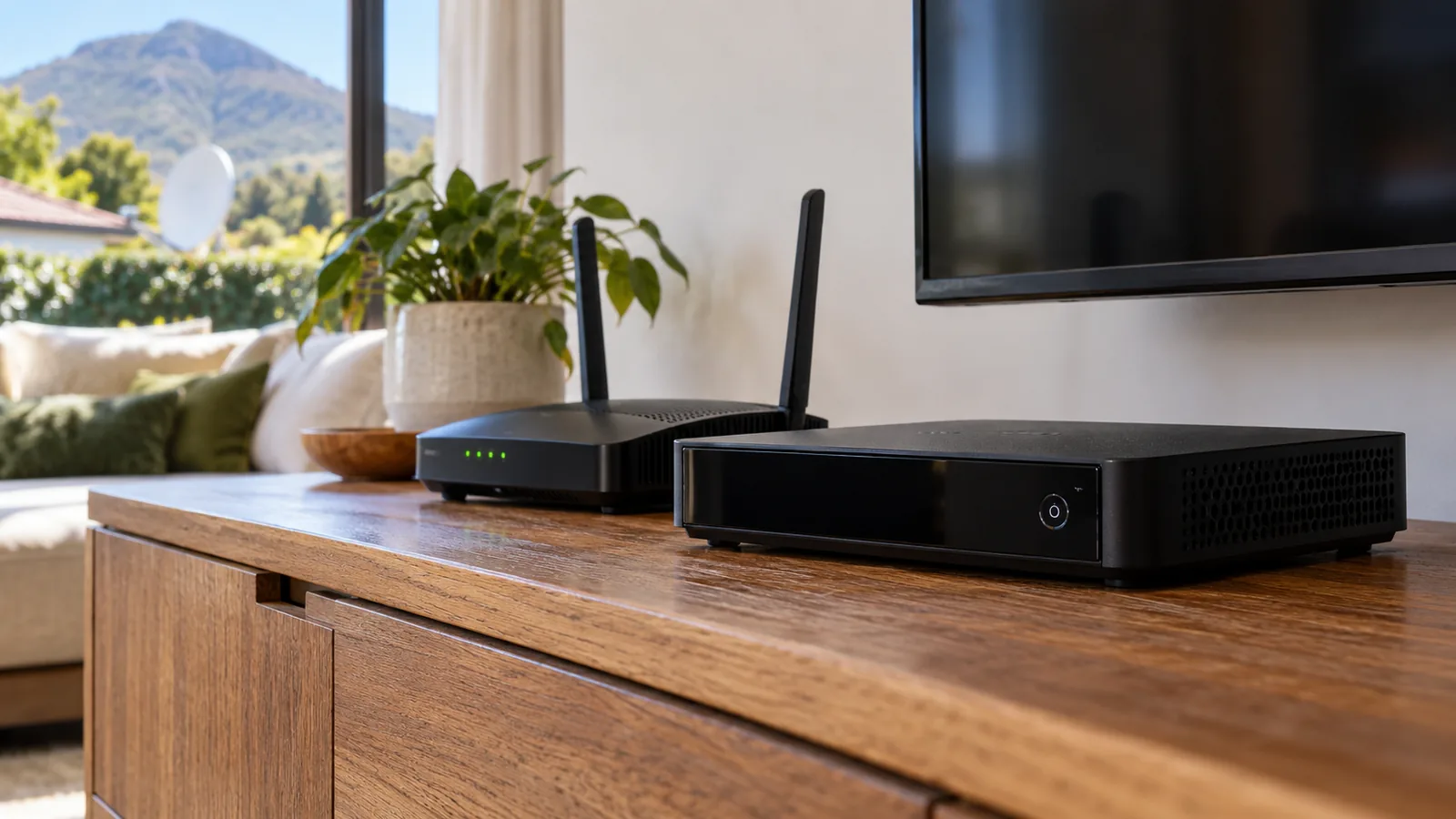
Method 3: Connect Explora to internet with a cable
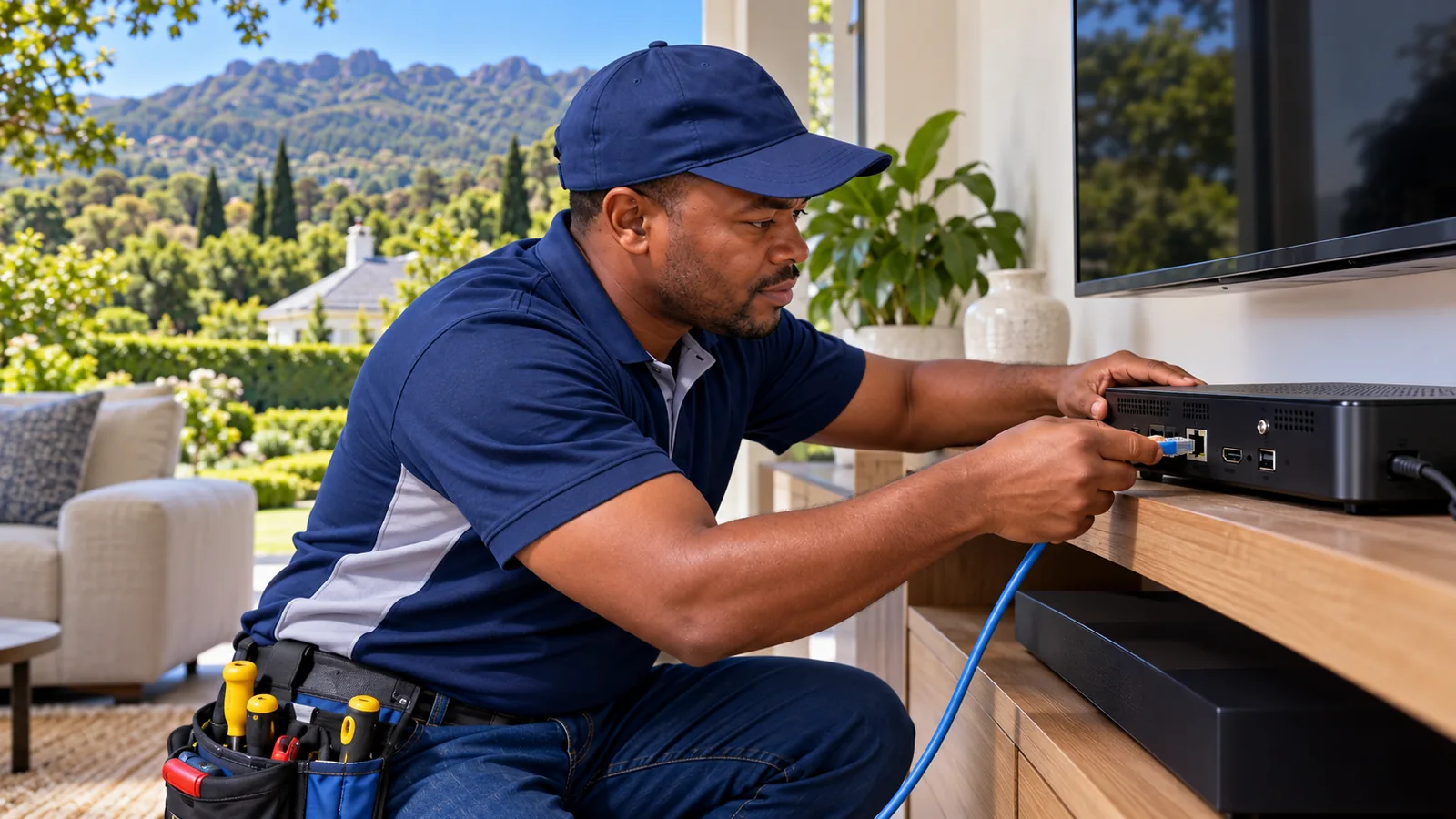
If you want it to just work, plug in a cable. Every Explora has an ethernet port on the back. Run a network cable from the router, or from a mesh unit that has a LAN port, straight into it. The decoder usually picks up the connection by itself within a minute.
A cable is the only way to connect Explora to internet without worrying about walls, microwaves or neighbours on the same channel. We often run a hidden network point alongside the satellite cable while we are already in the ceiling.
When WiFi does not reach: WiFi installation in Constantia homes
Here is the honest truth about a large house: the decoder side of how to connect DStv to WiFi takes five minutes, and the coverage side is the real job. A single router in the study cannot cover a double-storey home, a separate TV room and a cottage near the vines.
- Mesh WiFi: two or three units around the house share one network name. Place one near the TV and you get a strong signal plus a LAN port.
- Wired access point: a cable from the router to a WiFi point in the lounge. Very stable for both streaming and the decoder.
- Powerline adapters: send internet through the electrical wiring. Fine in some homes, poor in older ones with mixed circuits.
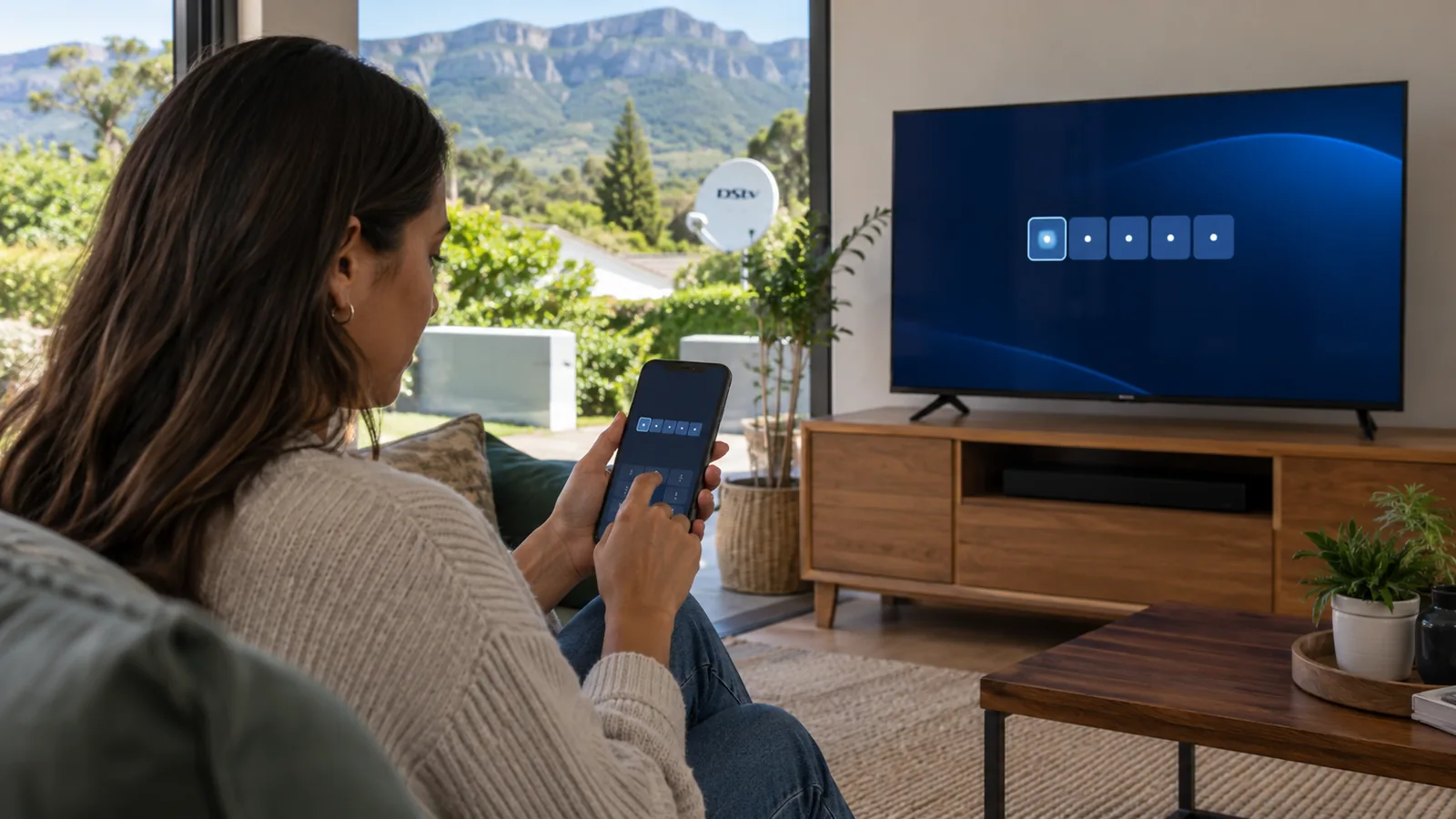
Our WiFi and network installation service plans this properly, so the TV, the study and the patio all get decent speed. A good WiFi installation in Constantia also helps the kids' homework and your video calls, not only the decoder.
Need DStv installers in Constantia?
Tell us what you need or what your screen is showing. We give you a clear price before we drive out.
DStv Catch Up after you connect DStv to WiFi
The main reason people search for how to connect DStv to WiFi is DStv Catch Up. It lets you download missed episodes and series onto the Explora hard drive and watch them later. How much you can access depends on your package, so check our Sports versus Premium package comparison if you want more shows on demand.
DStv Catch Up not working?
- Check the decoder still shows as connected in the internet settings.
- Restart the router, then the decoder, in that order.
- Make sure the account is active and paid up.
- Clear space on the hard drive if it is nearly full of recordings.
- Test your line speed on a phone standing next to the TV.
If the box restarts by itself while downloading, the problem may be power or the hard drive rather than the internet. Our guide to a DStv decoder that keeps rebooting covers those faults.
DStv Stream, Streama and the TV code login
You do not always need a decoder. DStv Stream is the streaming version of DStv.
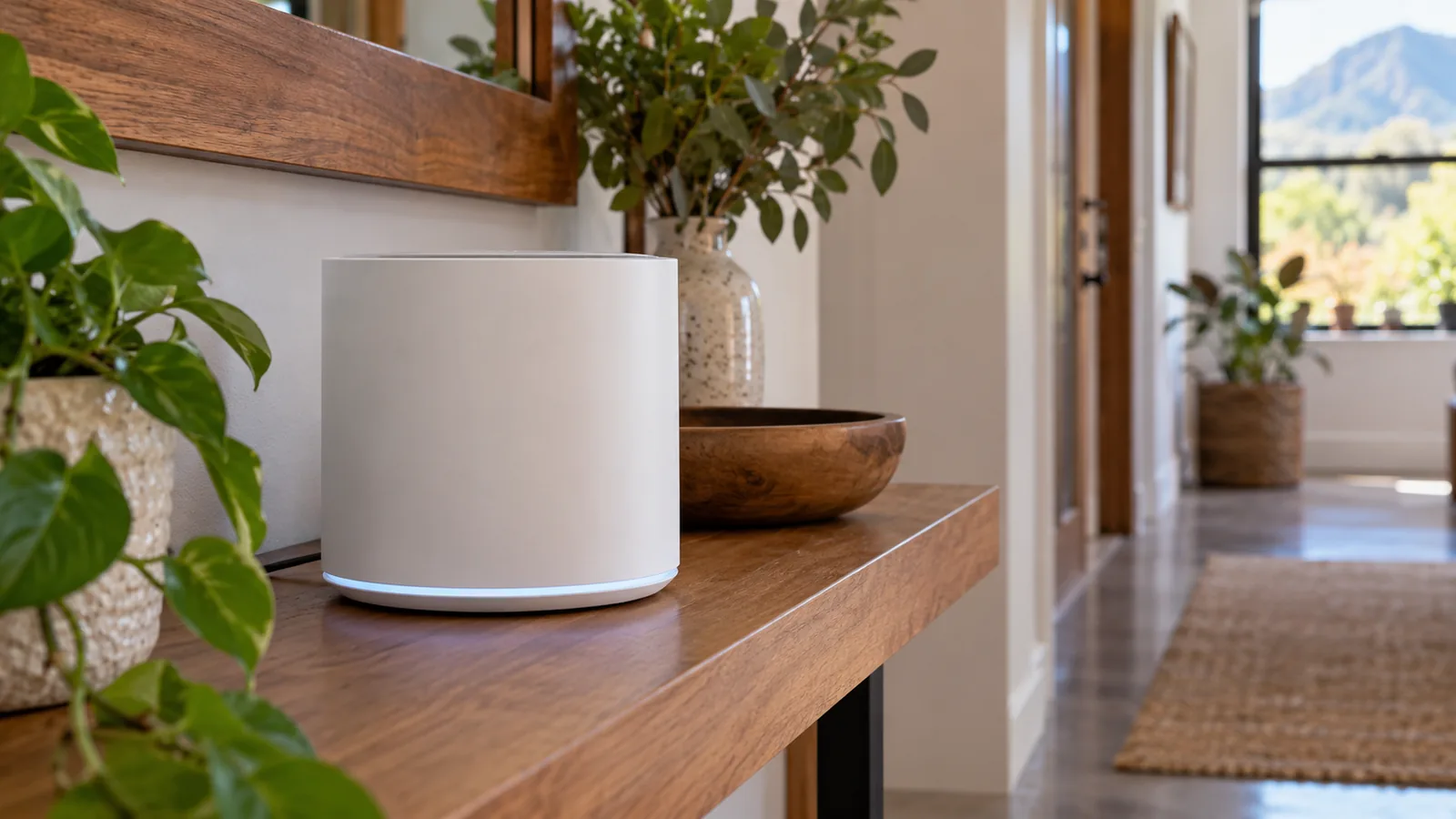
You download the DStv Stream app on a smart TV, open it, and the screen shows a short code. You then go to the web address shown on the TV using your phone, sign in and type the code. The TV logs in without you typing a password on the remote.
Streama is a small DStv streaming box that plugs into the TV and your internet. It needs no dish and no installation, but it does need a stable line. Fibre is strongly recommended.
Stream or decoder: how to connect DStv to WiFi the smart way
Stream and Streama suit a flat in Wynberg or a student room with good fibre. A satellite decoder suits homes where load shedding or line faults knock the internet out, because the dish keeps working when the router is down. Many families do both: satellite in the lounge and the app on a bedroom TV.
If you are thinking of a second TV, compare streaming with linking a second decoder. Our page on XtraView problems and fixes explains how linked decoders behave in big homes.
The MyDStv app after you connect DStv to WiFi in Constantia
Once you know how to connect DStv to WiFi, the MyDStv app becomes more useful. You can pay your account, change your package, fix common errors and check your decoders from your phone. It is also where you go first if the decoder says a service is not active.
Good to know
Connecting DStv to WiFi does not use much data for live TV, because live channels still come from the dish. Data is used for Catch Up downloads, streaming apps and software updates.
For the box itself, our Explora installation and setup team can upgrade an older decoder, fit the Smart LNB and get it online in one visit.
Safety first
Do not run network cable through ceiling spaces with old wiring or across a thatch roof yourself. Keep cables away from mains wiring and never staple through a cable that runs beside power.
Help with how to connect DStv to WiFi in Constantia
If you have followed the steps on how to connect DStv to WiFi and the box still will not stay online, the fix is usually coverage. We cover Constantia, Bergvliet, Tokai, Plumstead and Southfield, and we quote before we drive out.
Our team handles the decoder, the dish and the network in one trip, so you are not left juggling three different companies. Book a visit with our Constantia technicians and tell us where your router and TV are.
how to connect DStv to WiFi in Constantia: FAQs
How to connect DStv to WiFi without a WiFi Connector?
Use an ethernet cable. Every Explora has a network port on the back, so a cable from your router or a mesh unit with a LAN port connects it directly. An Explora Ultra can also join WiFi on its own through the settings menu, because WiFi is built into that decoder.
How do I connect my DStv Explora to WiFi?
For an Explora Ultra, open Settings, choose the WiFi option, select your network and enter the password. For an older Explora, plug a DStv WiFi Connector into the USB port and set it up from the same settings menu, or plug in an ethernet cable from the router.
Why can my decoder not find my WiFi network in Constantia?
Usually the router is too far away or behind thick walls. Large Constantia homes often need a mesh WiFi system or a cable to reach the TV room. Check signal on your phone at the TV. If it shows one bar or less, improve coverage before you try connecting again.
Why is DStv Catch Up not working?
Check that the decoder still shows as connected, then restart the router followed by the decoder. Make sure the account is paid and active, and free up hard drive space if it is nearly full. Slow or unstable internet at the TV is the most common cause in big homes.
Do I need WiFi to watch DStv?
No. A satellite decoder shows live channels from the dish without any internet. WiFi is only needed for Catch Up, streaming apps and some updates. DStv Stream and the Streama box are different, because they rely fully on a stable internet connection, ideally fibre.
Can you help with how to connect DStv to WiFi in Constantia?
Yes. Our team connects decoders, installs DStv WiFi Connectors and runs network cable across Constantia and nearby suburbs. We can also fit mesh WiFi so the signal reaches the TV room. We quote before we drive out, and visits are often the same or next day.
Talk to our Constantia team
Call or WhatsApp us for a quote. We answer quickly and we always price the job before we arrive.