Home › Blog › Multi-room Viewing
XtraView Not Working? 6 Fixes for Constantia Homes
It is Saturday afternoon, the rugby is on in the lounge, and the TV in the far bedroom shows a linking message instead of the kids' cartoons. When you have XtraView not working in a big Constantia house, the fault is usually something small between two decoders that have stopped talking. Below are six fixes, in the order our technicians try them.
Quick answer
XtraView not working usually means the second decoder has lost contact with the main one. Switch the primary decoder on first, make sure your account is paid up, then re-link from the MyDStv app or dstv.com. If the message keeps coming back, a loose connector, a tired Smart LNB or a faulty multiswitch is the likely cause.
How DStv XtraView links two decoders
DStv XtraView lets two or three decoders share one subscription, and each TV can watch a different channel at the same time. One box is the primary decoder. The others are secondary decoders that depend on it.
Every few minutes the primary decoder sends a small "heartbeat" check down the cabling. The secondary box listens for it. If it stops hearing that heartbeat, it shows a linking message and goes quiet until contact comes back. Our XtraView setup and linking service is mostly about making sure that conversation never drops.
In the Constantia Valley that path can be long. Homes on big erven often have a lounge at one end, a TV room at the other and a cottage across the garden. Long cable runs, old wall plates and a roof space full of joints all give the heartbeat more places to get lost.
That is why so many calls to our DStv installers in Constantia start with one TV working and one not. In our experience, XtraView not working is rarely a broken decoder.
Is XtraView not working on one TV only? Read the signs
Before you touch anything, look at what each TV is doing. The pattern tells you a lot about why you have XtraView not working, and which fix to try first.
- Main TV fine, second TV shows a linking or heartbeat message: the classic DStv XtraView heartbeat error. Contact between the boxes has dropped.
- Both TVs show a no signal message (E48-32): this is a dish or cable fault, not a linking one. The XtraView side is fine.
- Second TV says the channel is not authorised (E16): the account or the link needs to be refreshed.
- Second TV freezes every evening in bad weather: rain fade or a weak signal margin, often from trees in the line of sight.
- Only one TV ever had a picture since the install: the decoders may never have been paired properly.
If both screens are blank, skip the linking fixes and look at the dish first. The page on primary and secondary decoder roles on dstv.com explains why the second box depends on the first.
6 fixes for XtraView not working in Constantia homes
Work through these in order. Most households get the picture back by fix two or three without needing anyone on site. Each fix targets a different reason for the DStv XtraView heartbeat error.
Fix 1: Wake up the primary decoder
This sounds too simple, but it is the most common cause we see. If the main decoder is off at the wall, unplugged for cleaning or in deep standby, the second box gets no heartbeat. Switch the primary on, give it a few minutes and then check the bedroom TV again.
Fix 2: Check the account and re-link
Open the MyDStv app or use the "Fix errors" option on dstv.com and run the reset for each decoder. Check that the account is paid up, because an unpaid balance will stop the secondary box first. This clears most cases of XtraView not working after a missed debit order.
Fix 3: XtraView not working after load shedding
When power comes back, both boxes start up at once and the secondary sometimes misses the first heartbeat. Turn both decoders off at the wall. Switch on the primary first, wait until it shows a picture, then switch on the secondary. A surge protector on each plug is worth the small cost in a valley that sees winter storms.
Fix 4: XtraView not working because of a cable or wall plate
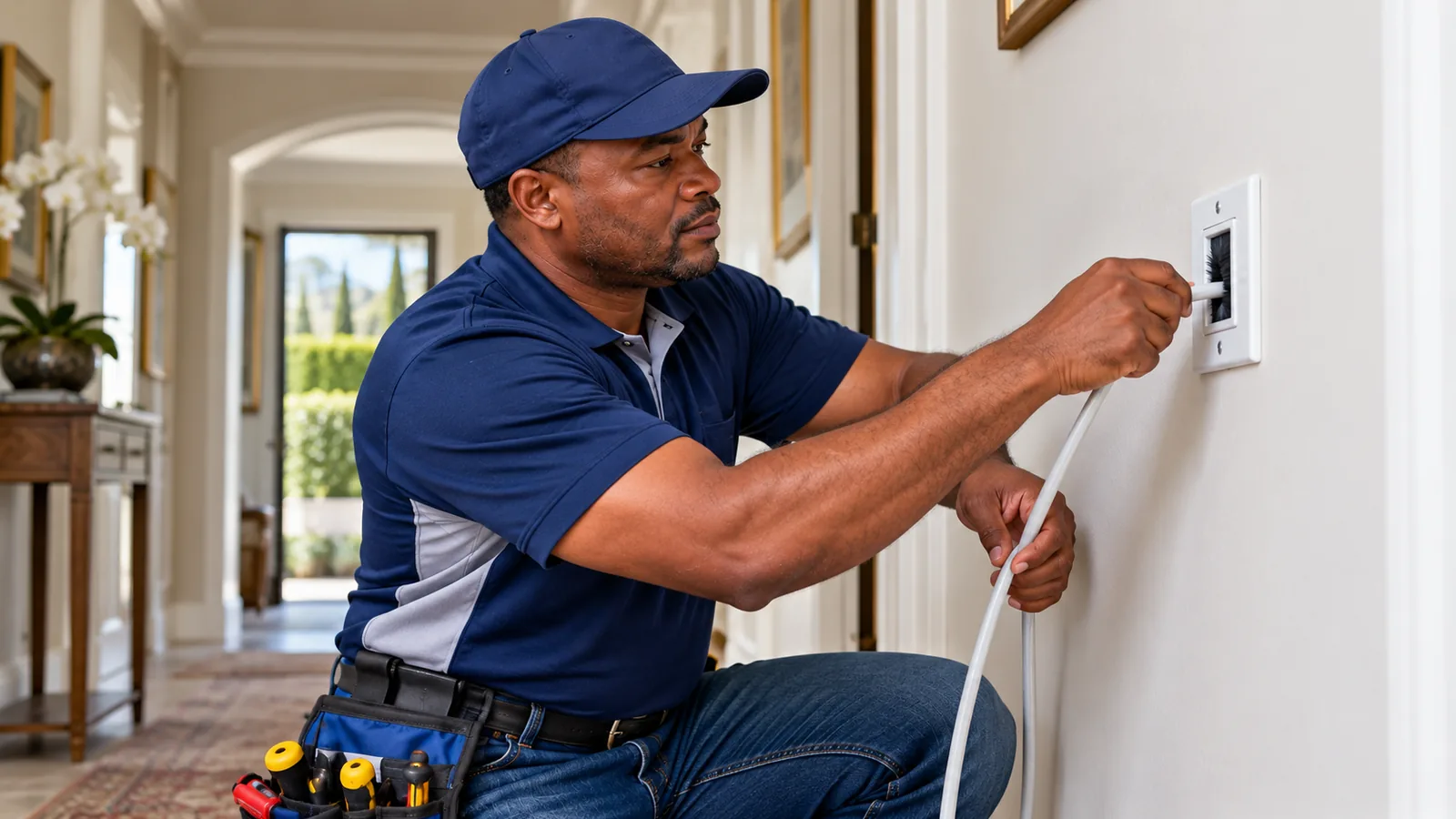
Follow the coax from the back of each decoder to the wall. Look for a connector that is loose, bent or green with corrosion. Wall plates in older Bergvliet and Wynberg homes are often the weak link, and our DStv repairs team in Constantia replaces them often, especially where the cable was joined inside the wall years ago.
Technician tip
Gently wiggle each F-connector while someone watches the second TV. If the picture or the linking message changes as you move it, you have found your culprit. Do not over-tighten; finger tight plus a quarter turn is enough.
Fix 5: Look at the Smart LNB or multiswitch
Explora setups use a Smart LNB, and bigger homes often add a multiswitch to feed many points. If one output on either of these fails, one TV loses its feed while the other carries on. Our Explora price and setup guide explains why the Smart LNB matters so much for a PVR.
Fix 6: Bring in DStv repairs in Constantia
If you still have XtraView not working after all of the above, the fault is usually inside the cabling or in a component that needs a signal meter to test. That is the point to stop and book a technician rather than climbing into the roof yourself.
Safety first
Roof spaces on older Constantia homes can have thatch, loose ceiling boards and live wiring. Do not crawl into the roof or climb onto slate tiles to check a multiswitch. A fall costs far more than a callout.
Need DStv installers in Constantia?
Tell us what you need or what your screen is showing. We give you a clear price before we drive out.
Avoid XtraView not working: decoders that pair well
Not every pair of boxes behaves the same. The table shows the combinations we set up most often and what you pay each month on top of your package, at the time of writing.
| Primary decoder | Secondary decoder | Extra monthly cost | Our notes |
|---|---|---|---|
| Explora or Explora Ultra | HD single view | None extra if you already pay the Access Fee for the PVR | Most popular choice in family homes |
| Explora | Explora | One Access Fee of R125 | Both TVs can record |
| HD single view | HD single view | One Access Fee of R125 | Cheapest way to link two rooms |
| Any three decoders | Two secondaries | Two Access Fees | Needs a multiswitch or Smart LNB with enough outputs |
Getting the combination right at the start avoids many cases of XtraView not working later. An older decoder paired with a newer Explora Ultra sometimes needs a software update before it links cleanly.
What DStv XtraView costs each month in Constantia
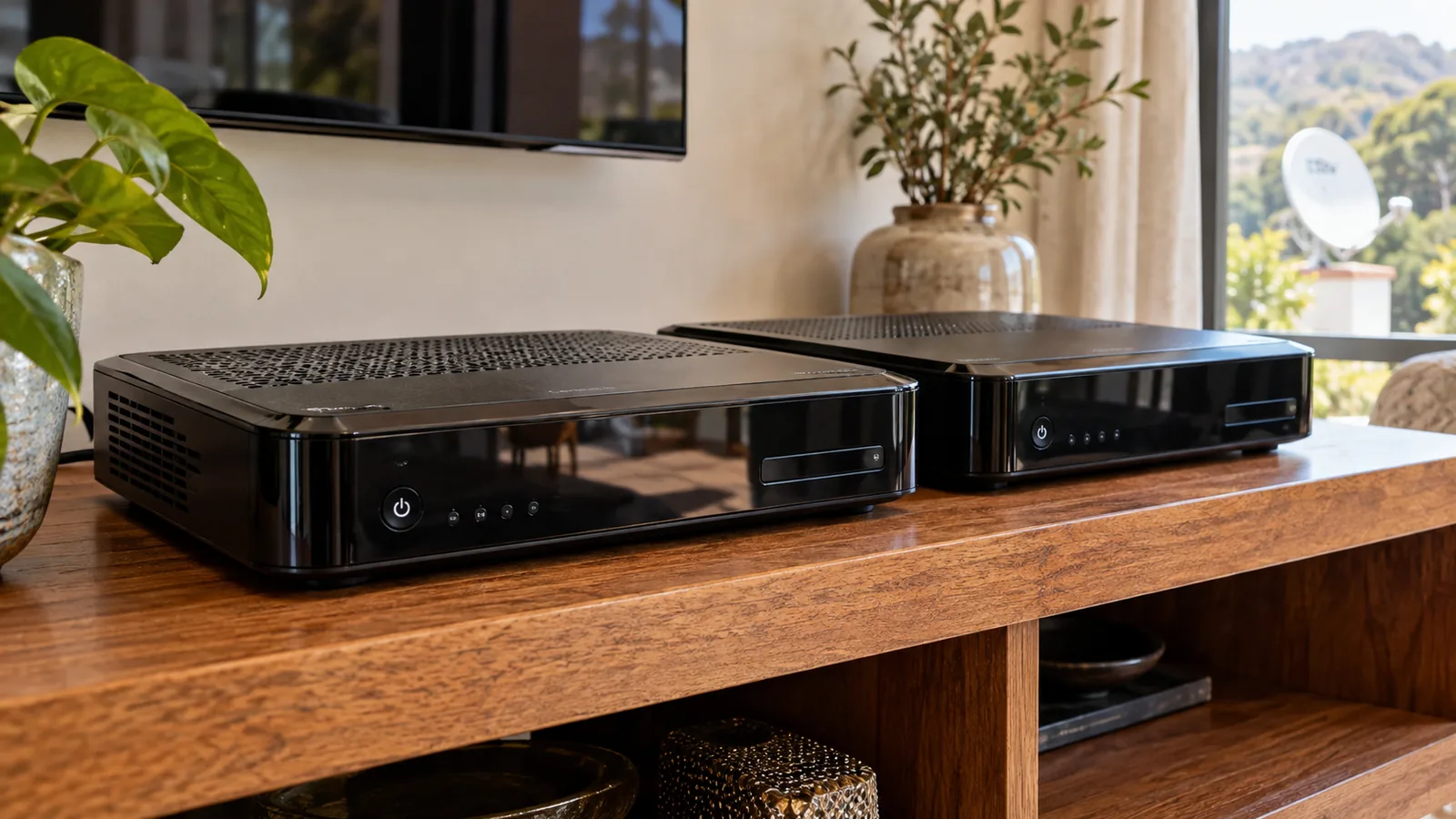
XtraView keeps one subscription for the whole house. With two decoders you pay your normal package plus one Access Fee of R125 per month. If one decoder is already a PVR such as an Explora, you already pay that fee, so the second box adds nothing more each month. Three decoders means two Access Fees.
The package itself is the bigger number. Families who want the Premier League in the lounge and cartoons upstairs should compare the DStv Sports package versus Premium before linking boxes. Package prices change, so confirm the latest figures in the MyDStv app.
Good to know
Both linked decoders must stay in the same home. Moving a secondary box to a cottage on another erf or a holiday house will break the link, and the secondary will stop working.
Dual View, DStv Extra View and streaming on a second TV
Some older homes in Tokai and Meadowridge still run a Dual View setup, where one decoder fed two TVs from a single box. It works until it does not, and spares are hard to find. Most people now replace it with DStv Extra View, which is the same thing as XtraView under a slightly different spelling.
The other option is to skip the second decoder and stream on the extra TV. That avoids cables but depends on your internet. In a house where the WiFi barely reaches the far bedroom, streaming can buffer just as badly as a case of XtraView not working.
- XtraView: satellite on both TVs, works during internet outages, needs cabling.
- Streaming on a smart TV: no extra decoder, but uses data and needs strong WiFi in that room.
- Dual View: legacy only. We suggest upgrading when it fails.
Our older explainer on one subscription on two TVs covers the basics if you are new to linking.
How we install DStv Extra View in big Constantia houses
A clean install is the best way to stop XtraView not working again next winter. On large properties we plan the cable route before we drill anything.
- Walk the house with you and agree where each TV and decoder will live.
- Check the dish, LNB and signal quality on a meter, because a weak signal makes every link fragile.
- Fit a Smart LNB or a multiswitch with enough outputs for every room.
- Run fresh RG6 cable to each point, using wall plates that stay dry.
- Pair the primary and secondary decoders and confirm the link on both TVs.
- Test with you watching two different channels before we leave.
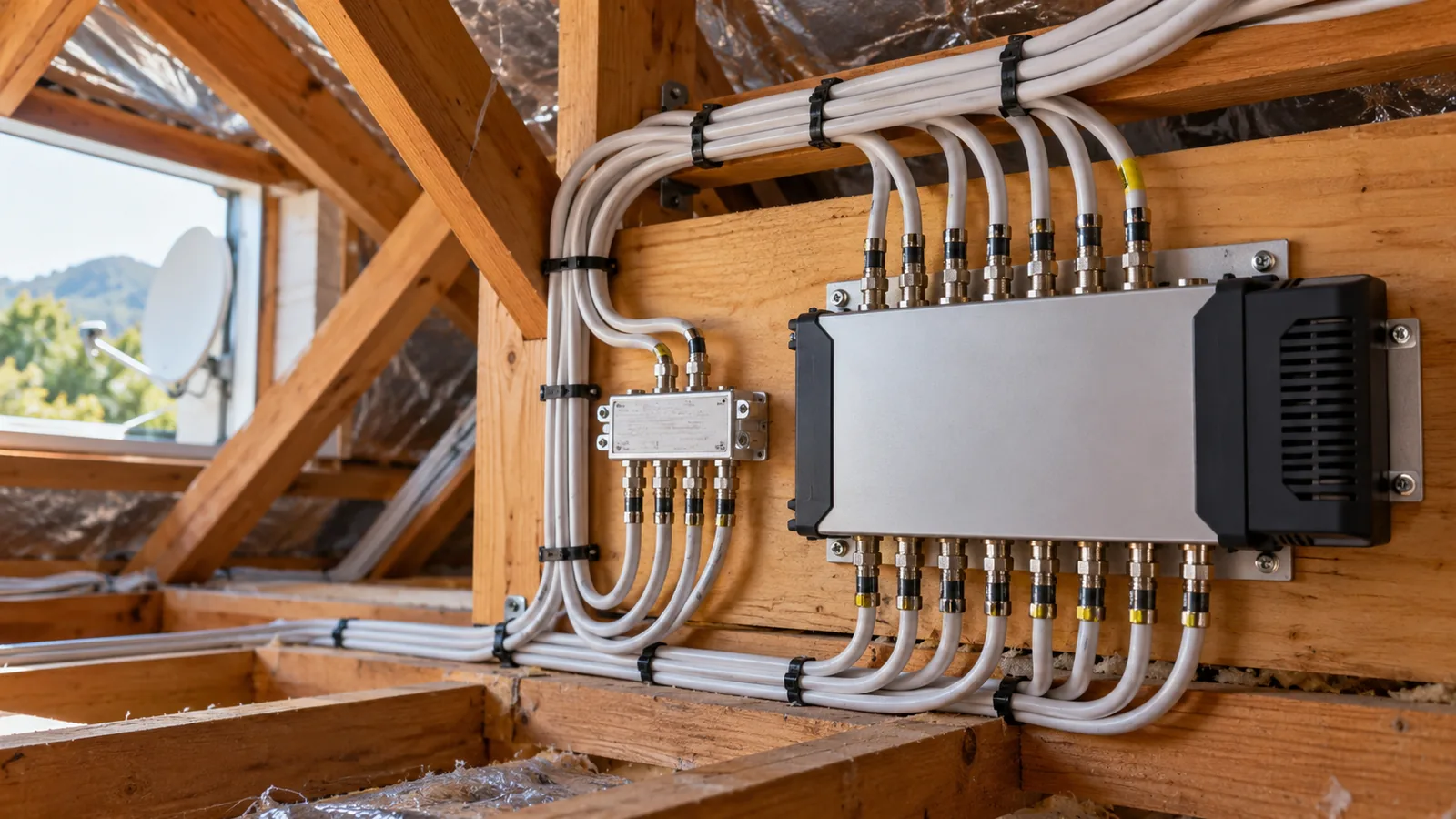
Since we are already in the roof and running cable, many clients ask us to add cameras at the same time. Our article on CCTV installation for Constantia homes explains how that works on one visit. If you are upgrading the main box too, we handle Explora installation and upgrades in the same trip.
XtraView not working still? Book DStv repairs in Constantia
If you have tried the six fixes and the second TV still sulks, let us find the fault properly. We cover Constantia, Constantia Hills, Kirstenhof and Plumstead, and we quote before we drive out. Visits are often the same or next day, depending on the schedule.
Tell us which TV fails, what message it shows and when it started. Contact our Constantia team and we will get both rooms watching again.
XtraView not working in Constantia: FAQs
Why is my XtraView not working on the second TV?
The second decoder has usually lost the heartbeat from the primary decoder. Check that the main box is switched on and not unplugged, then re-link both decoders through the MyDStv app or dstv.com. If that fails, a loose connector, damaged wall plate or faulty Smart LNB output is the most likely cause.
What is the DStv XtraView heartbeat error?
It is the message a secondary decoder shows when it stops receiving the regular check signal from the primary decoder. The second TV goes quiet until contact returns. Switching the primary on, restarting both boxes in order and checking the cabling between them clears it in most homes.
How do I fix XtraView not working after load shedding?
Switch both decoders off at the wall. Turn on the primary decoder first and wait for a picture, then switch on the secondary. Starting them together often makes the secondary miss the first heartbeat. Plugging each decoder into a surge protector helps prevent damage when power returns.
How much does XtraView cost per month in Constantia?
At the time of writing you pay your normal package plus one Access Fee of R125 for two linked decoders. If one box is already an Explora or other PVR, the second decoder adds nothing extra per month. Three decoders need two Access Fees. Confirm current prices in the MyDStv app.
Can I use XtraView in two different houses?
No. Linked decoders must stay in the same home, because the secondary depends on the primary for its heartbeat. Moving one to a holiday home or a separate property breaks the link and the secondary stops working. A separate subscription is needed for a second property.
Who fixes XtraView not working in Constantia?
Our local team handles XtraView repairs across Constantia, Bergvliet, Tokai and nearby suburbs. We test the signal, the cabling and the link between decoders, then fix the fault and check both TVs with you. We quote before we drive out, and visits are often the same or next day.
Talk to our Constantia team
Call or WhatsApp us for a quote. We answer quickly and we always price the job before we arrive.