Home › Blog › Decoders and Equipment
DStv Explora Price and Setup: 2026 Guide for Constantia
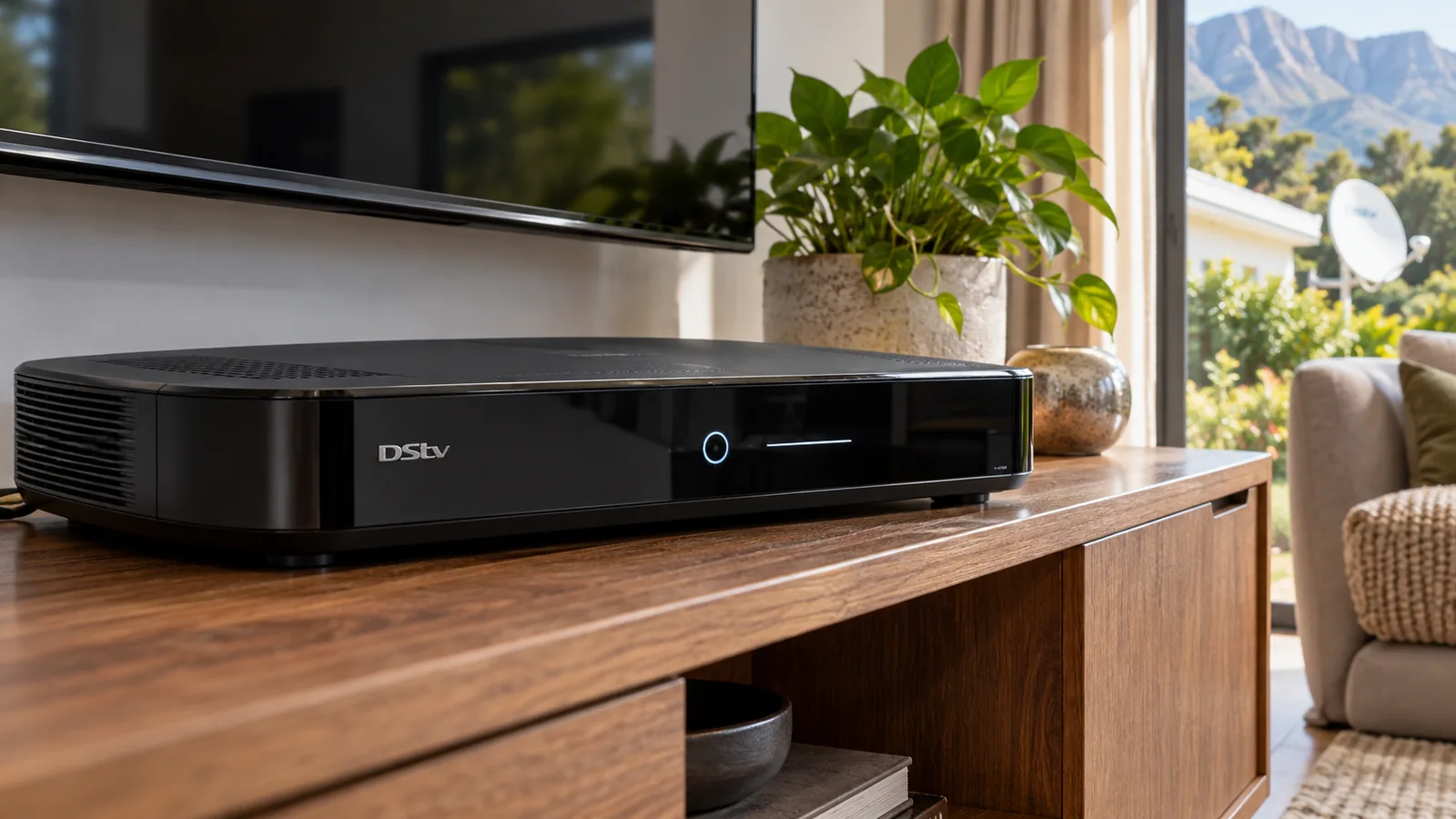
Thinking of finally getting a recorder so nobody in the house misses the late match or the Sunday drama? This step-by-step article takes you from the shop to a working box, with the DStv Explora price, the Smart LNB it depends on, the installation and the activation. It is written for Constantia homes, where big rooms, long cable runs and tall trees all play a part.
Quick answer
At the time of writing, the DStv Explora price was R1,499 for the Explora 3B and R2,999 for the Explora Ultra during DStv's early 2026 promotion. Add a Smart LNB (roughly R399 to R499) and installation, which for Explora work often lands between R1,500 and R2,400 on Constantia properties.
Step 1: Pick Your Decoder Type Before Comparing the DStv Explora Price
Before you look at prices, decide what kind of box you need. DStv sells four main options, and each one suits a different home. Our DStv installers in Constantia see all four in the valley, often in the same house.
| Decoder | Promo price (early 2026) | Records? | Needs a dish? | Best for |
|---|---|---|---|---|
| Explora Ultra | R2,999 (was R3,299) | Yes, about 110 hours | Yes, with Smart LNB | 4K TVs, streaming apps, built-in WiFi |
| Explora (3B) | R1,499 (was R2,299) | Yes | Yes, with Smart LNB | Recording and pausing live TV |
| HD Single View | R499, or R799 with installation | No | Yes | A simple second room or a cottage |
| Streama | Varies widely | No | No, needs fibre | Flats or rooms with strong internet |
If you only want live TV in a guest room, an HD Single View is enough. If anyone in the family records, pauses or rewinds, you want an Explora, and the DStv Explora price starts to make sense.
Step 2: Compare the DStv Explora Price in Stores Near Constantia
DStv sets its own promotional prices, but retailers like Pep, Game, Makro and Checkers run their own specials. Those prices change by store and by week, so we never quote one shop as fact.
A low DStv Explora price on a shelf in Wynberg or at a big mall can look like a bargain. Compare on the day, and check the small print with these questions.
- Is the DStv Explora price for the decoder only, or does it include a dish and LNB?
- Is a Smart LNB in the box? Most decoder-only boxes do not include one.
- Is installation included, and does it cover a long cable run?
- Is it an Explora Ultra or the older Explora 3B?
Explora Ultra price vs the standard DStv Explora price
At the time of writing, the Explora Ultra price was R2,999 against R1,499 for the Explora. The extra R1,500 buys 4K and HDR picture, built-in WiFi, streaming apps and about 110 hours of recording. If you own a 4K TV in a large Constantia lounge, the Ultra is usually the better buy.
Good to know
Disney+ is no longer available on Streama and Explora boxes. If that app matters to you, use a smart TV app instead.
Step 3: Get a Smart LNB on the Dish
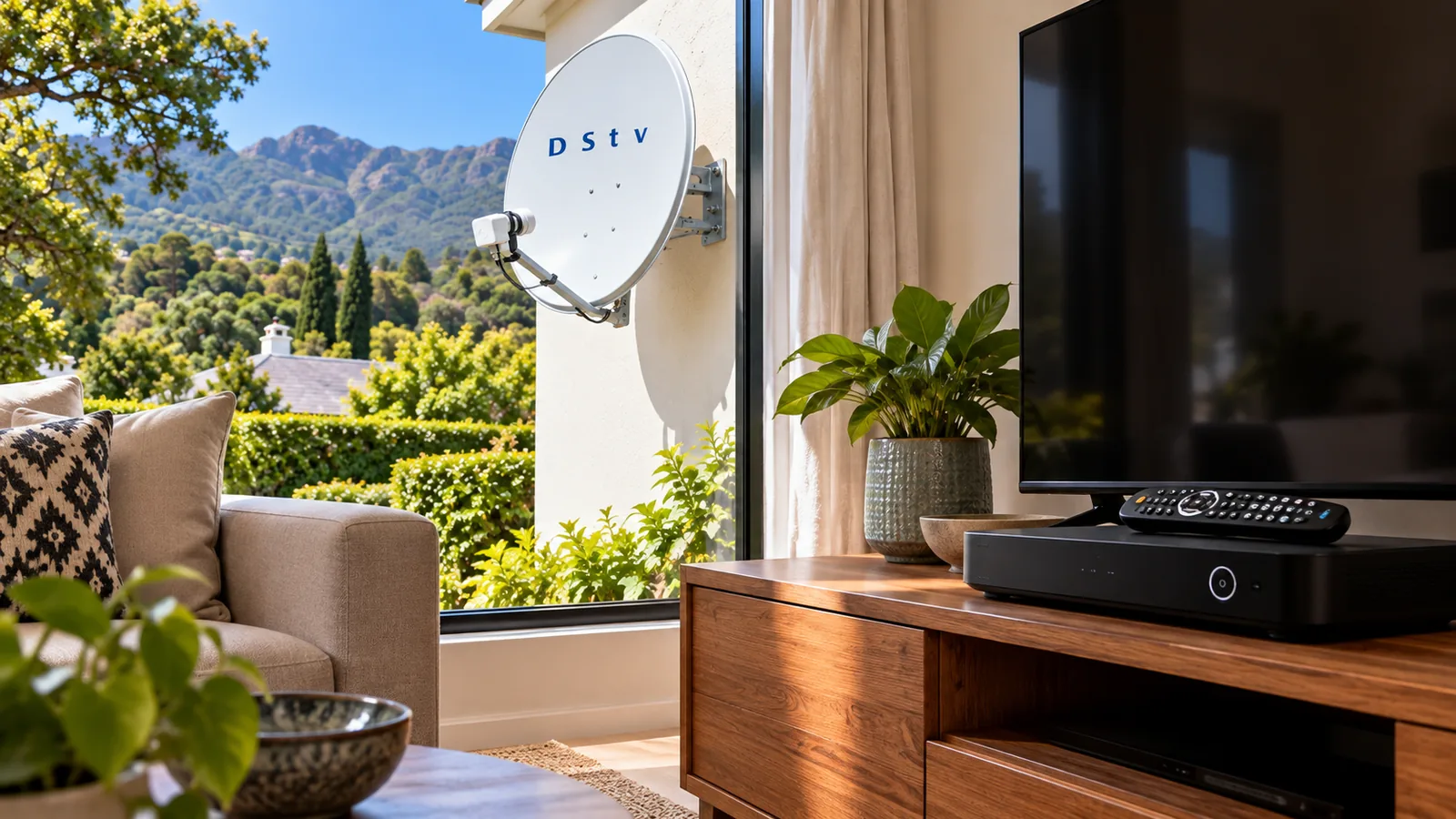
The LNB is the small unit on the arm of the dish. An Explora has several tuners inside, which lets you record one channel while you watch another. A Smart LNB feeds all of those tuners down a single cable.
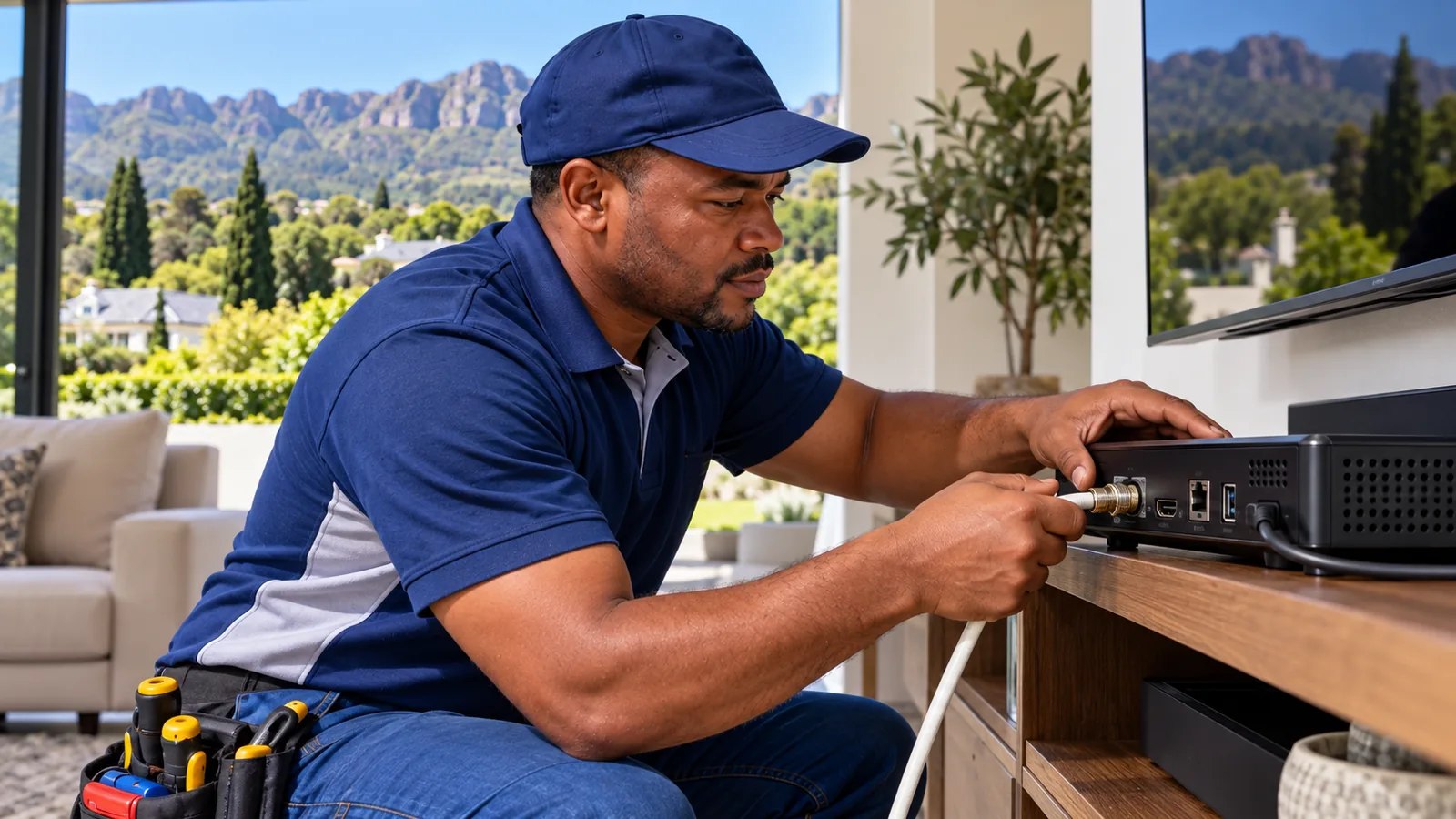
Without it, the Explora cannot record properly. Our Explora installation service fits and aligns the Smart LNB as part of the job.
The Smart LNB costs roughly R399 to R499 at retail, so add it to the DStv Explora price when you budget. It is generally not suitable for communal systems in complexes and estates that run a shared dish. If you live in a sectional title complex in Wynberg or Plumstead, ask the body corporate how the building is wired before you buy.
Safety first
Swapping an LNB means working at the dish, often on a high wall or a slate roof. Wet slate in a Constantia winter is very slippery. If you are not comfortable on a ladder, leave it to a technician.
Step 4: Check the Explora Installation Requirements in Constantia
An Explora needs a few things in place before it will work well. Run through this list before the technician arrives:
- A dish with a clear view north-east, away from oaks and pines
- A Smart LNB fitted and aligned on a signal meter
- Good quality coax cable, with no old splitters in the line
- A power point close to the TV, ideally with surge protection
- Internet for catch up and updates, by WiFi or network cable
Many homes in Constantia Hills and Bergvliet have older dishes from the single-view days. If yours is rusted or has drifted, our article on DStv dish alignment in Constantia explains how we check it.
Need DStv installers in Constantia?
Tell us what you need or what your screen is showing. We give you a clear price before we drive out.
DStv Explora Installation Price in Constantia
The DStv Explora installation price depends mostly on your house. As a guide, Explora jobs with a Smart LNB, long cable runs or difficult roofs usually sit around R1,500 to R2,400, with the decoder bought separately. A newer house with an existing good dish may cost less.
Things that push the price up in the valley include long runs to a cottage or study, thatch roofs that need a separate mount, and estates with strict rules about dish placement. For a full breakdown of dish and cable costs, see our guide to the DStv dish price and full installation.
Adding the box to your total DStv Explora price in Constantia
To get your real total, take the DStv Explora price and add two more numbers: the decoder, the Smart LNB and the installation. On a typical Constantia job, the decoder is often the smaller part of the bill.
Step 5: Run the DStv Installation Wizard
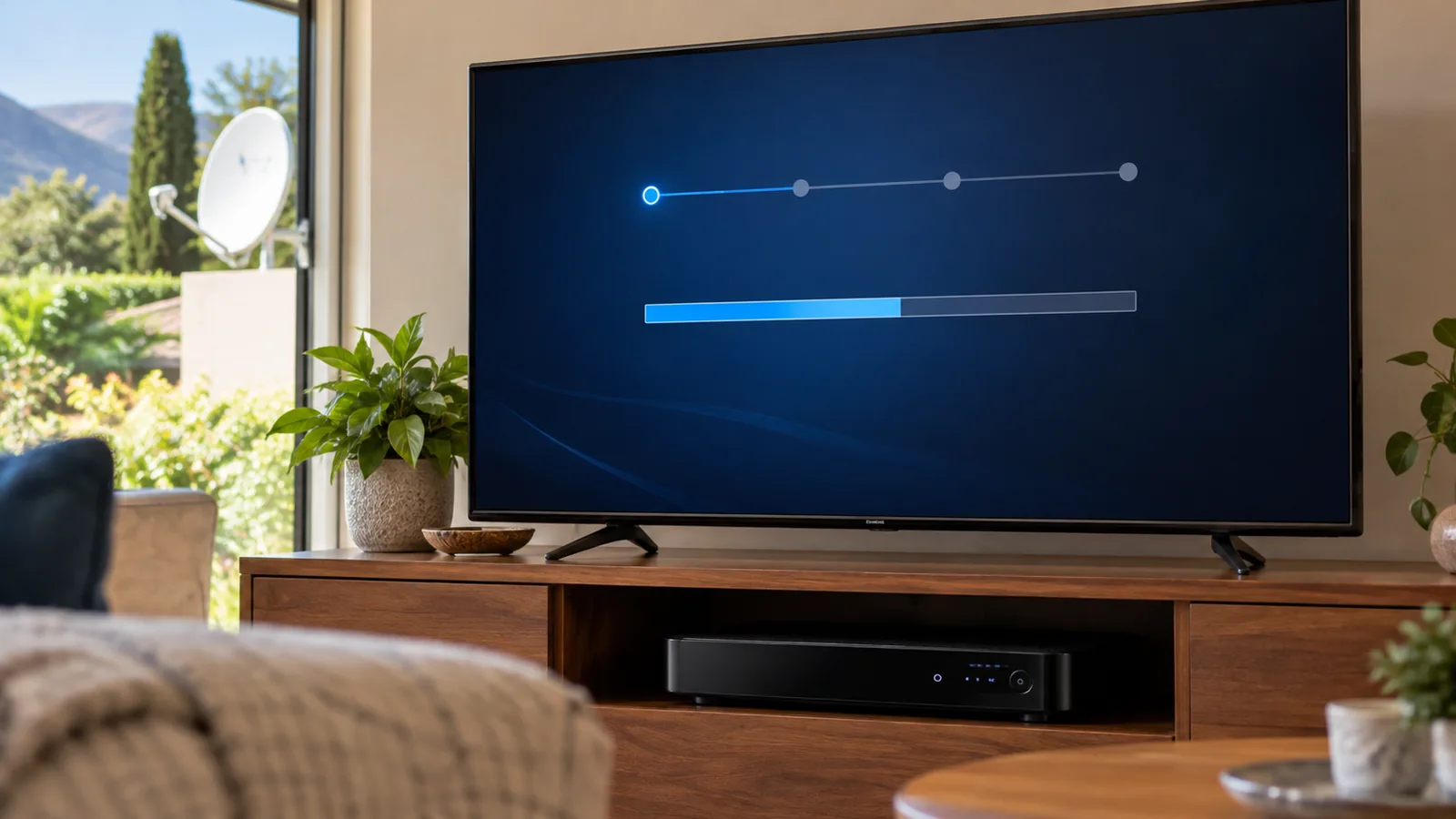
Once the cable is connected and the box is powered on, the decoder starts the DStv installation wizard. It sets up your dish, language and network. Here is the usual order:
- Choose your language and accept the terms on screen.
- Select your dish and LNB type. For an Explora, choose the Smart LNB option.
- Let the decoder search for the satellite and show signal strength and quality.
- Connect to the internet, either by WiFi or a network cable.
- Wait while the decoder downloads any software update and restarts.
- Check that the TV guide loads and a channel plays.
If the wizard stalls at the signal step, it usually points to the dish or cable, not the decoder. Do not keep restarting the wizard. Check the cable connections first.
Technician tip
Write down the signal quality figure the wizard shows on a clear day. If the picture starts breaking up later, you can compare the new reading with the old one and tell us exactly how far it has dropped.
Step 6: How to Activate DStv Decoder Boxes Without Waiting on the Phone
Activating links the decoder and smartcard to your account. Without it, channels show an error. Many people search how to activate DStv decoder accounts online, and in South Africa the self-service route is the quickest:
- Have your smartcard number and decoder number ready. Both are on a sticker under the box and on screen in the settings.
- Log in to the MyDStv app or the DStv self-service on WhatsApp.
- Add the new decoder to your account, or start a new subscription.
- Choose your package and pay, if your account needs it.
- Leave the decoder on a channel for a few minutes while it receives the signal.
You can also activate through the official DStv self-service site. If an E16 error appears, the service is not active yet. Re-send the authorisation from the app and check that the account is paid up.
Step 7: Connect the Explora to the Internet in Your Constantia Home
The Explora works without internet, but you lose catch up and some updates. Factor a WiFi fix into the DStv Explora price if your router is far away. Big Constantia houses often have dead WiFi zones, especially with thick old walls. Our guide on how to connect DStv to WiFi covers the WiFi Connector, network cable and mesh options.
Keep the same mindset for monthly costs. The DStv Explora price is a once-off, but the box also brings a monthly Access Fee.
If you want to share the Explora with a second TV, XtraView needs the decoders linked. An Explora already pays the R125 Access Fee, so a second linked decoder costs nothing extra per month.
Book Your Explora Setup With Our Constantia Team
We fit Smart LNBs, run the wizard and test every tuner before we leave. For homes starting from scratch, our new DStv installation team handles the dish, cabling and decoder in one visit.
We work across Constantia, Tokai, Meadowridge, Kirstenhof and Southfield. Send your details through our quick quote form, and we will give you a price before we drive out. Appointments are often available the same or next day, depending on the schedule.
DStv Explora price in Constantia: FAQs
What is the DStv Explora price in South Africa?
During DStv's promotion from January to April 2026, the Explora 3B sold for R1,499 and the Explora Ultra for R2,999. Prices have varied since, and retailers run their own specials. Check the price on the day, and confirm whether the box includes a Smart LNB, a dish or installation, because most decoder-only deals do not.
Does the DStv Explora price include installation in Constantia?
Usually not. The DStv Explora price in most store deals covers the decoder only. In Constantia, an Explora installation with a Smart LNB often costs between R1,500 and R2,400, depending on the roof, the cable length and whether the old dish can be reused. We give you a written quote before we drive out.
How much is the DStv Explora per month?
The DStv Explora price is a once-off, but the monthly cost is your package plus the R125 Access Fee, at the time of writing. The Access Fee applies because the Explora is a PVR decoder. If you link a second decoder with XtraView, the Explora already covers that fee, so the second box adds nothing extra each month.
Can I install a DStv Explora myself?
If you already have a Smart LNB and a well-aligned dish, you can plug in the Explora and run the installation wizard yourself. If the dish has a standard LNB, it must be swapped and realigned, which means working at height. Most people prefer a technician for that part.
How long does it take to activate a DStv decoder in Constantia?
Activation through the MyDStv app or WhatsApp self-service usually takes a few minutes, wherever you live. If you are wondering how to activate DStv decoder boxes after a move, the steps are the same. Leave the decoder switched on and tuned to a channel while the signal comes through. If channels still show an E16 error after about 15 minutes, re-send the authorisation and check the account is paid.
Is the Explora Ultra worth the higher DStv Explora price for Constantia homes?
For a large Constantia lounge with a 4K TV, often yes. The Ultra adds 4K and HDR, built-in WiFi, streaming apps and about 110 hours of recording. If you only record a few shows on an older TV, the standard Explora does the job for less.
Talk to our Constantia team
Call or WhatsApp us for a quote. We answer quickly and we always price the job before we arrive.